Accounting
InvoiceAI
Incoming invoices, no retyping.
InvoiceAI reads an incoming invoice and fills in its data. The accountant has the final say.
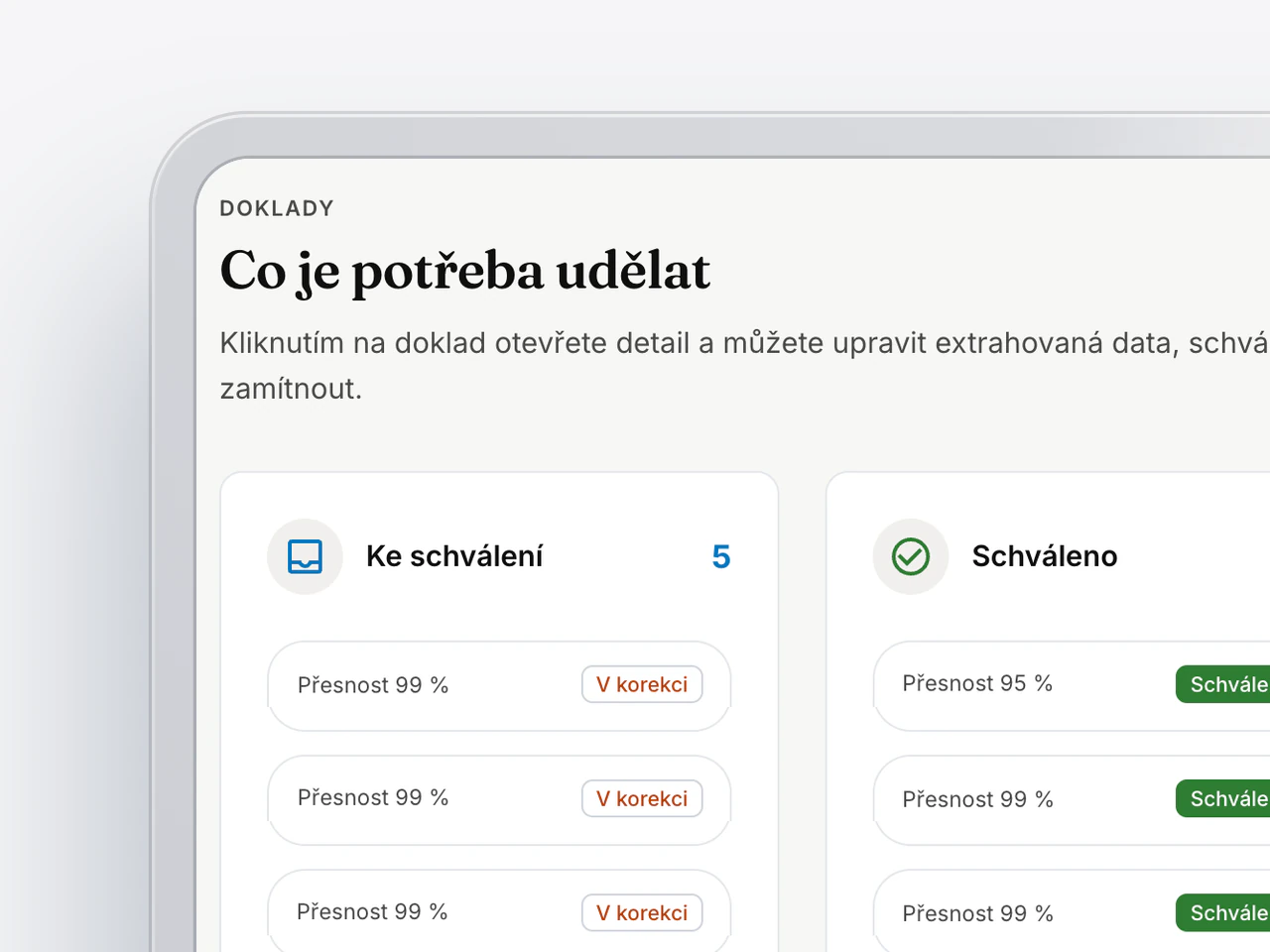
- Industry
- Accounting and expense approval
- Who uses it
- Accountants, approvers, and auditors
- Scope
- Intake, extraction, approval, and export
- Status
- First phase complete
Retyping invoices takes time, and mistakes are found late. So the system fills in the data and a person only verifies it.
How it’s used.
Invoices arrive on their own.
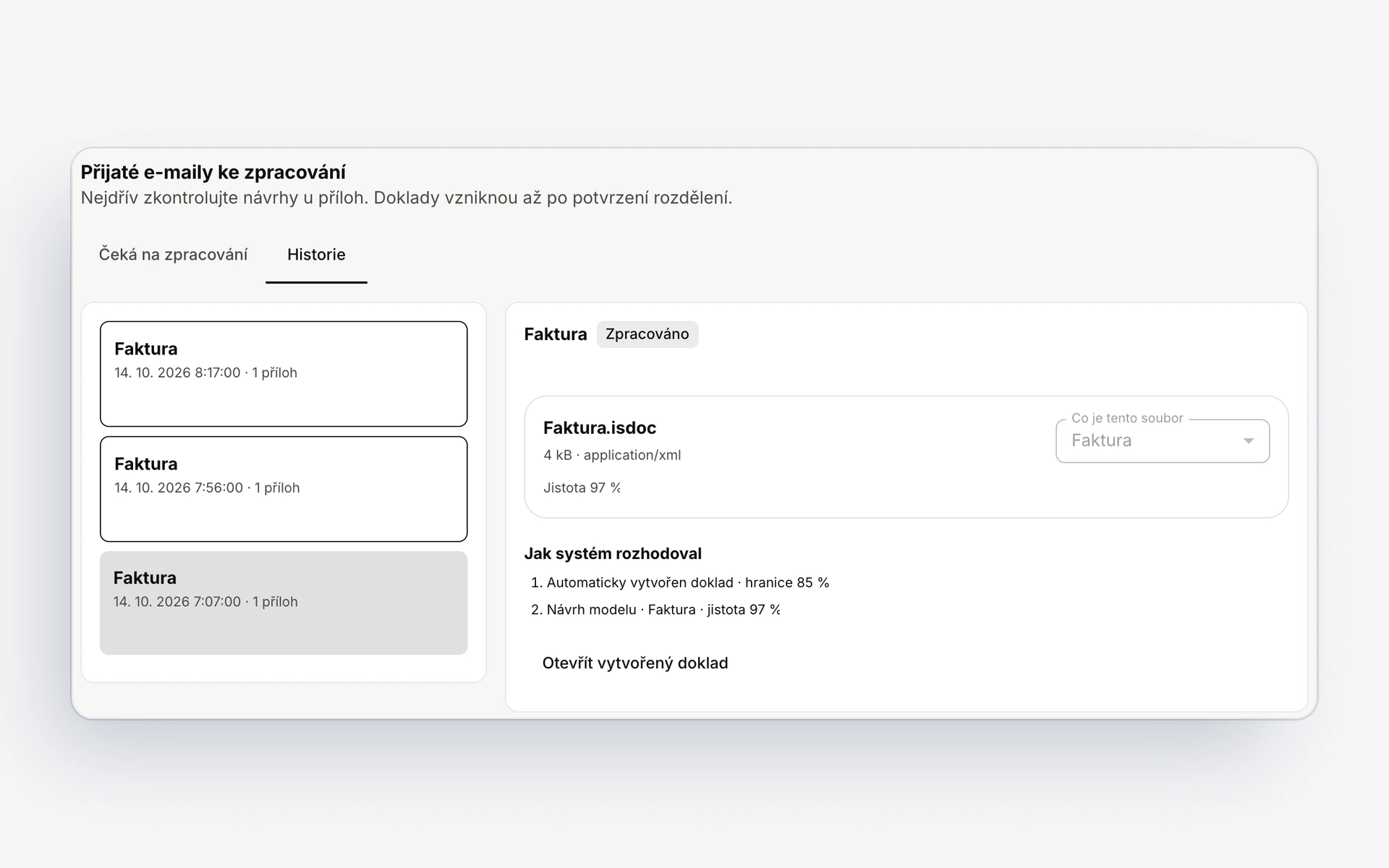
Documents come by email, by upload, or through an API. The system reads invoices in the ISDOC format directly.
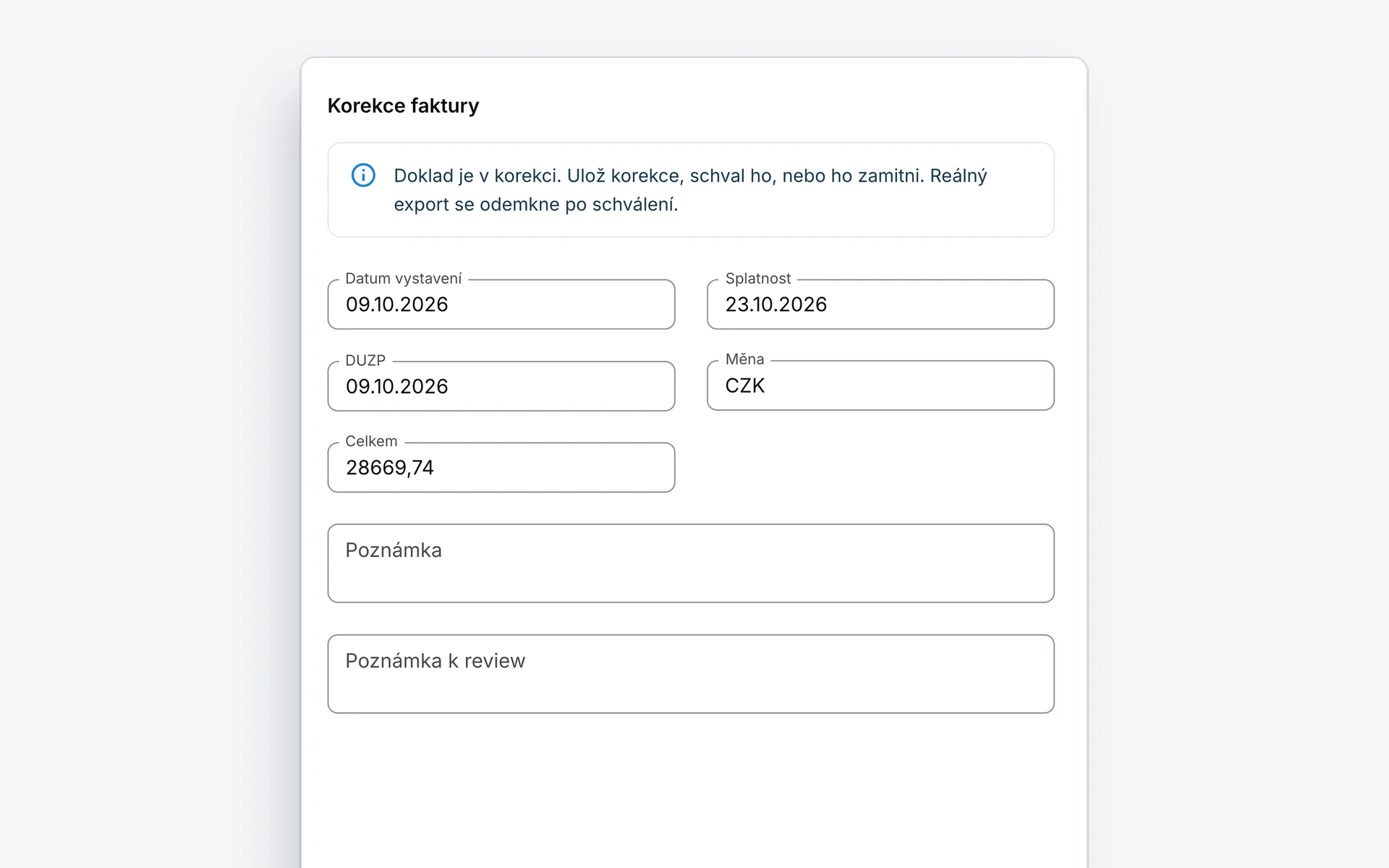
The system fills in, the accountant verifies.
The data from the document is filled into the form. For each document, you see how accurately it was extracted.
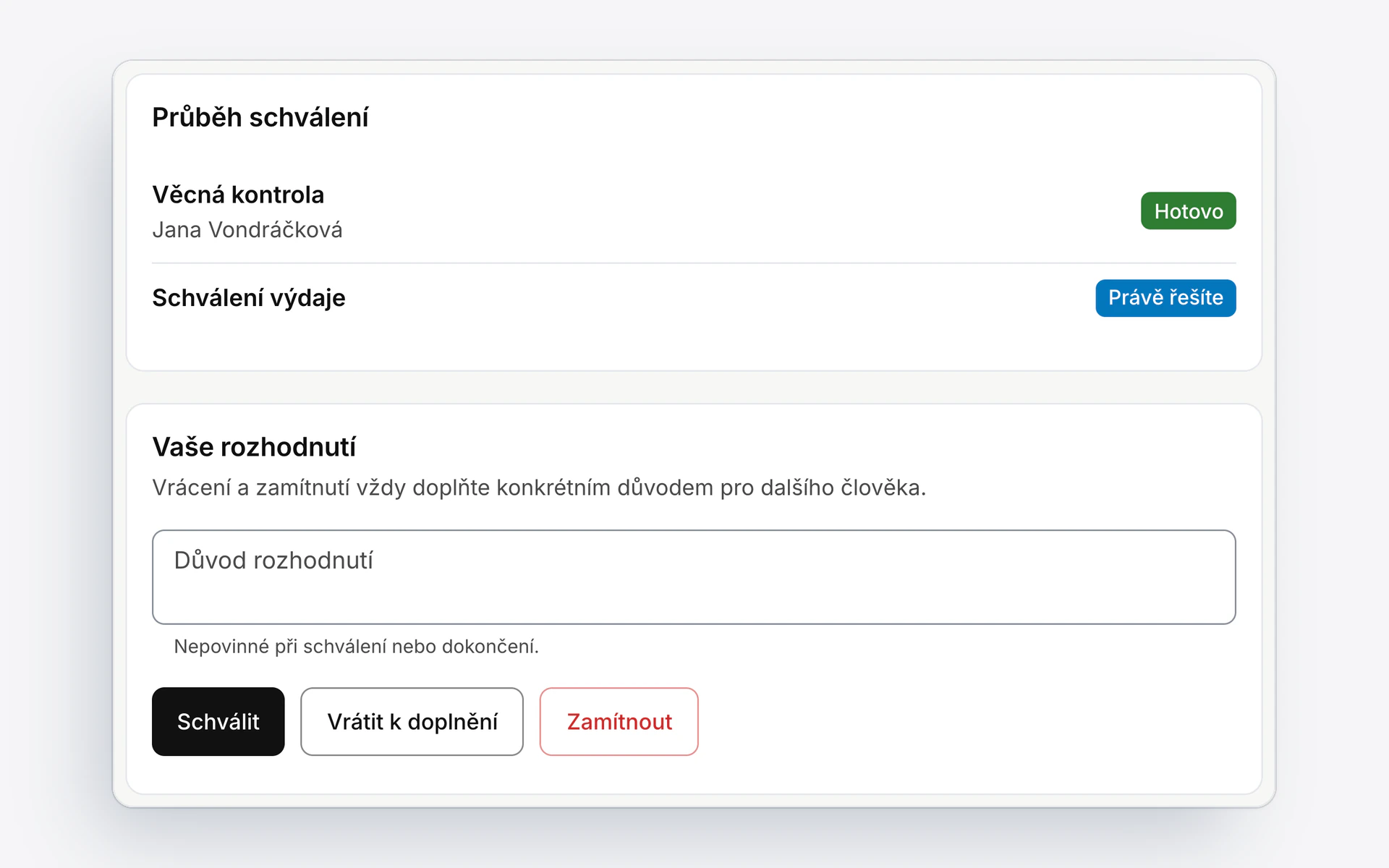
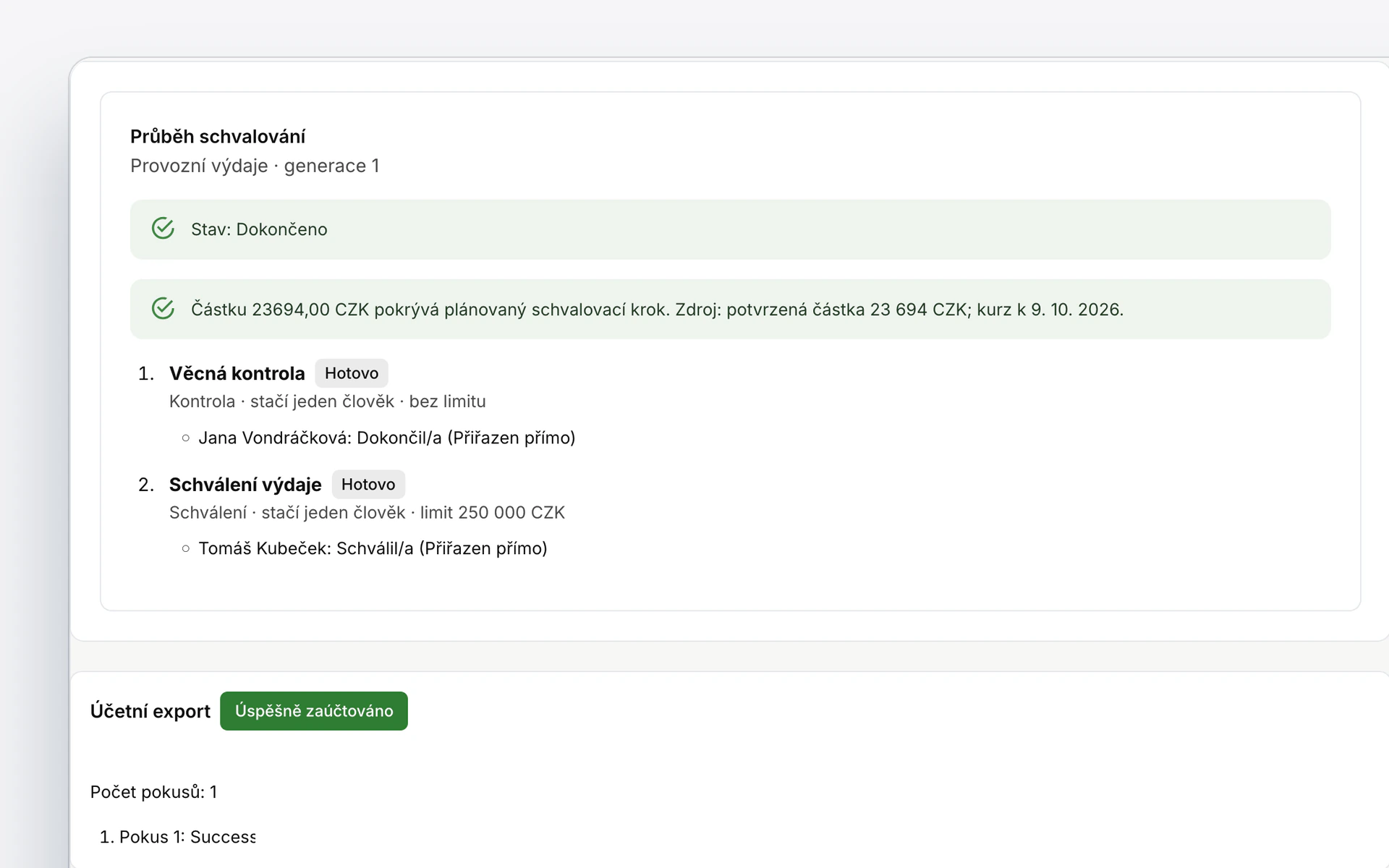
Approval by your rules.
You set up the approval flow to fit your company. A return or a rejection always has a reason.
Export to accounting.
An approved document goes to Pohoda or Money S3. Every export attempt stays on record.


Under the hood.
Supplier check.
The invoice data is verified in a public register.
Roles from accountant to auditor.
Everyone has only their own permissions.
Separate data.
Each company sees only its own documents.
A record of every step.
Who changed what can always be traced.