Internal system
Cognera CRM
Hours, projects, and invoices together.
Our timesheets and invoicing run on Cognera CRM. We use it every day.
- Industry
- Project and finance management
- Who uses it
- The owner and developers
- Scope
- Timesheets, projects, sales, and invoices
- Status
- In daily use at Cognera
A timesheet is only worth something when it matches both the work done and the invoice. That is why the CRM connects the two.
How it’s used.
Timesheets from the work done.
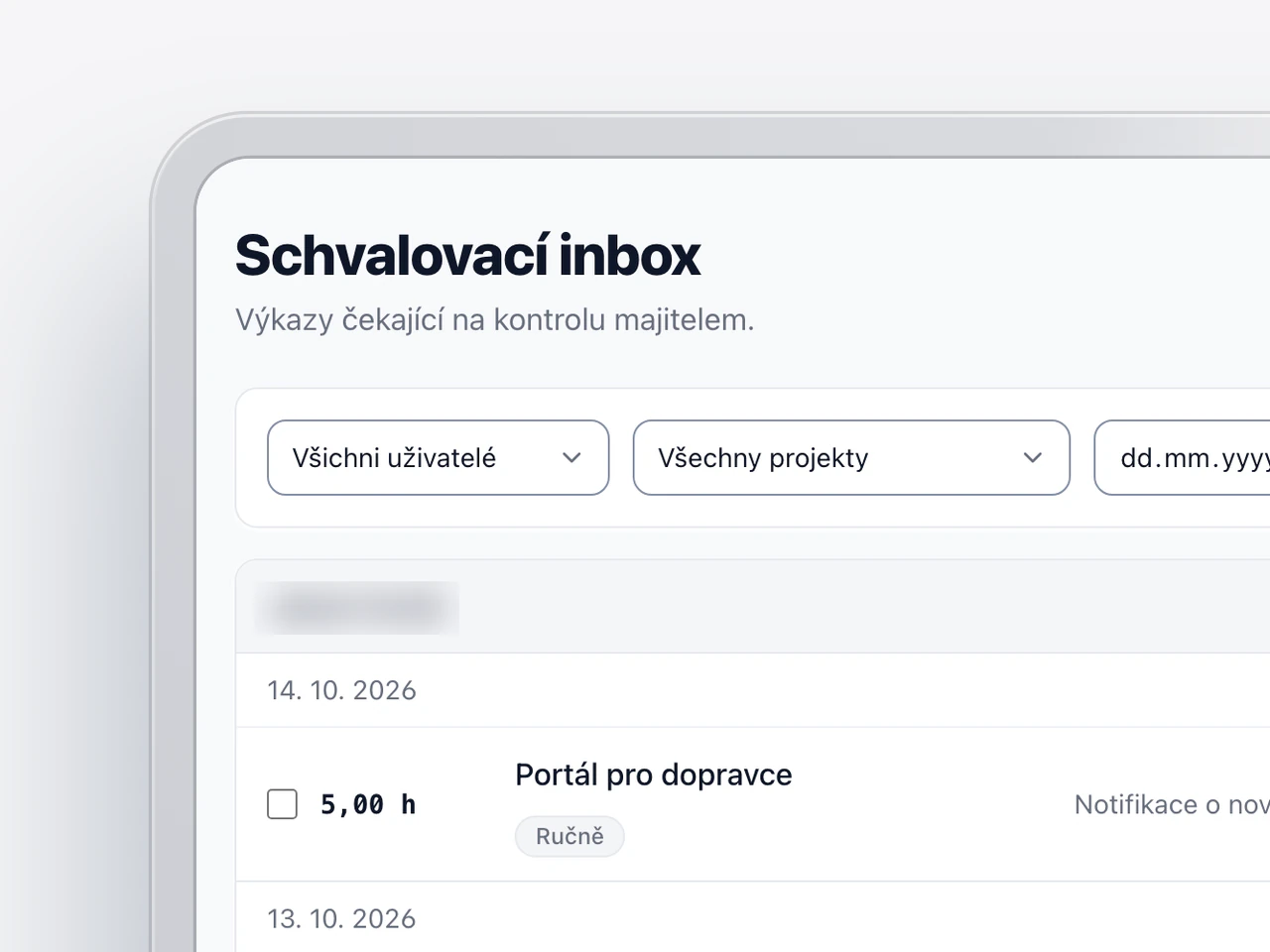
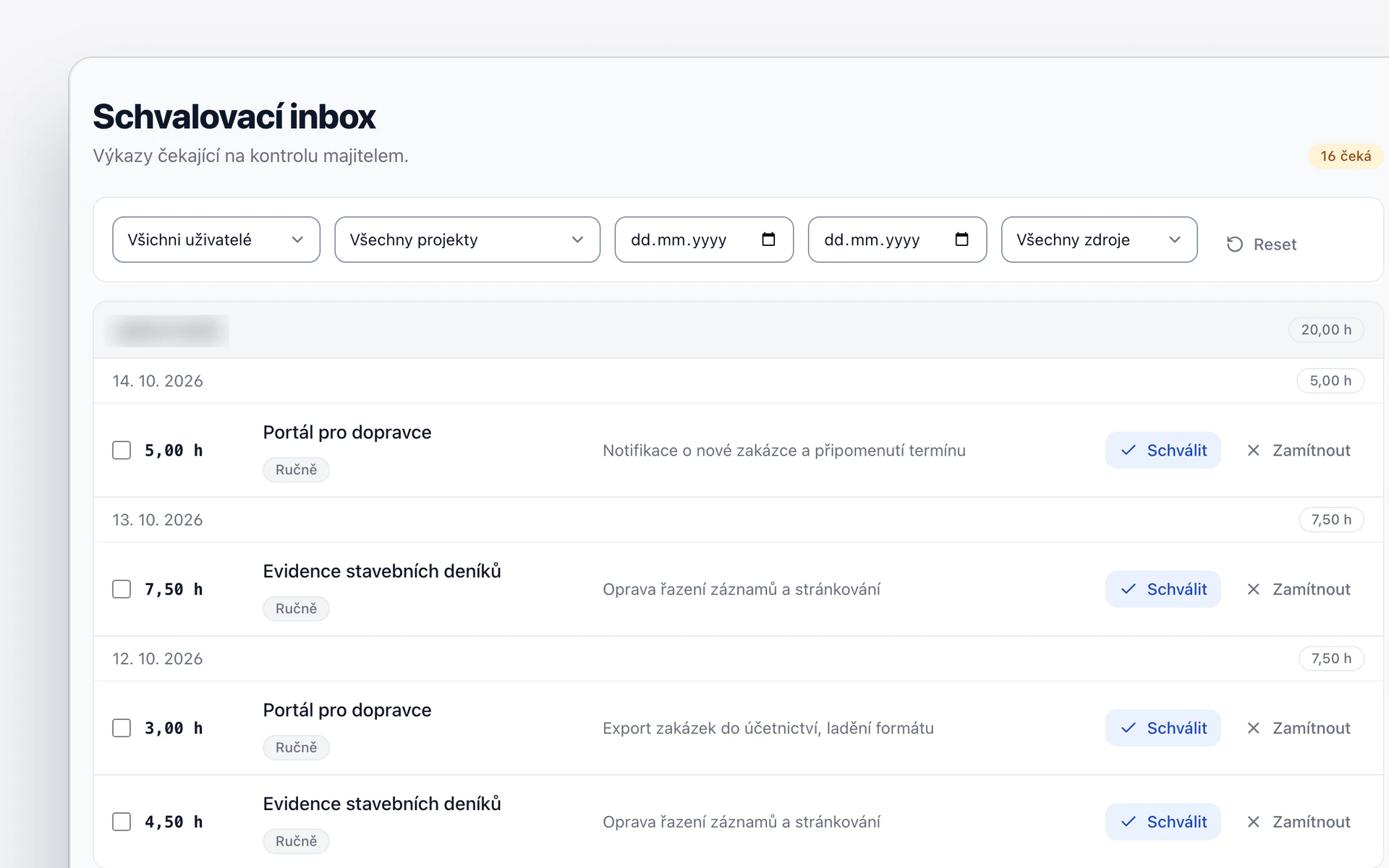
A developer logs the timesheet by hand, or the system suggests it from the changes in the code. The owner then approves or rejects it.
The budget under watch.
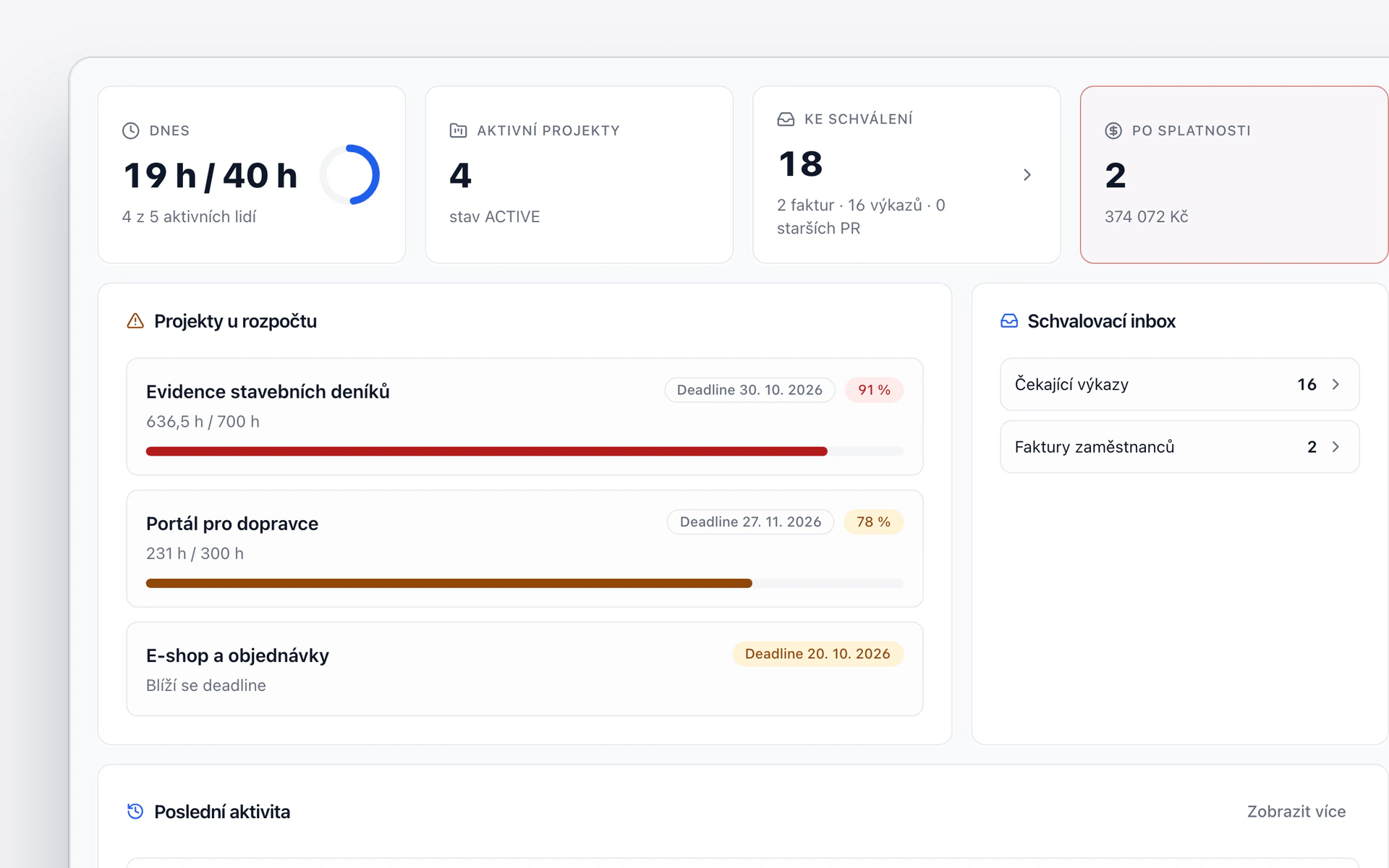
For every project, you see logged hours against the budget. A project near its limit stands out right away.
From contact to project.
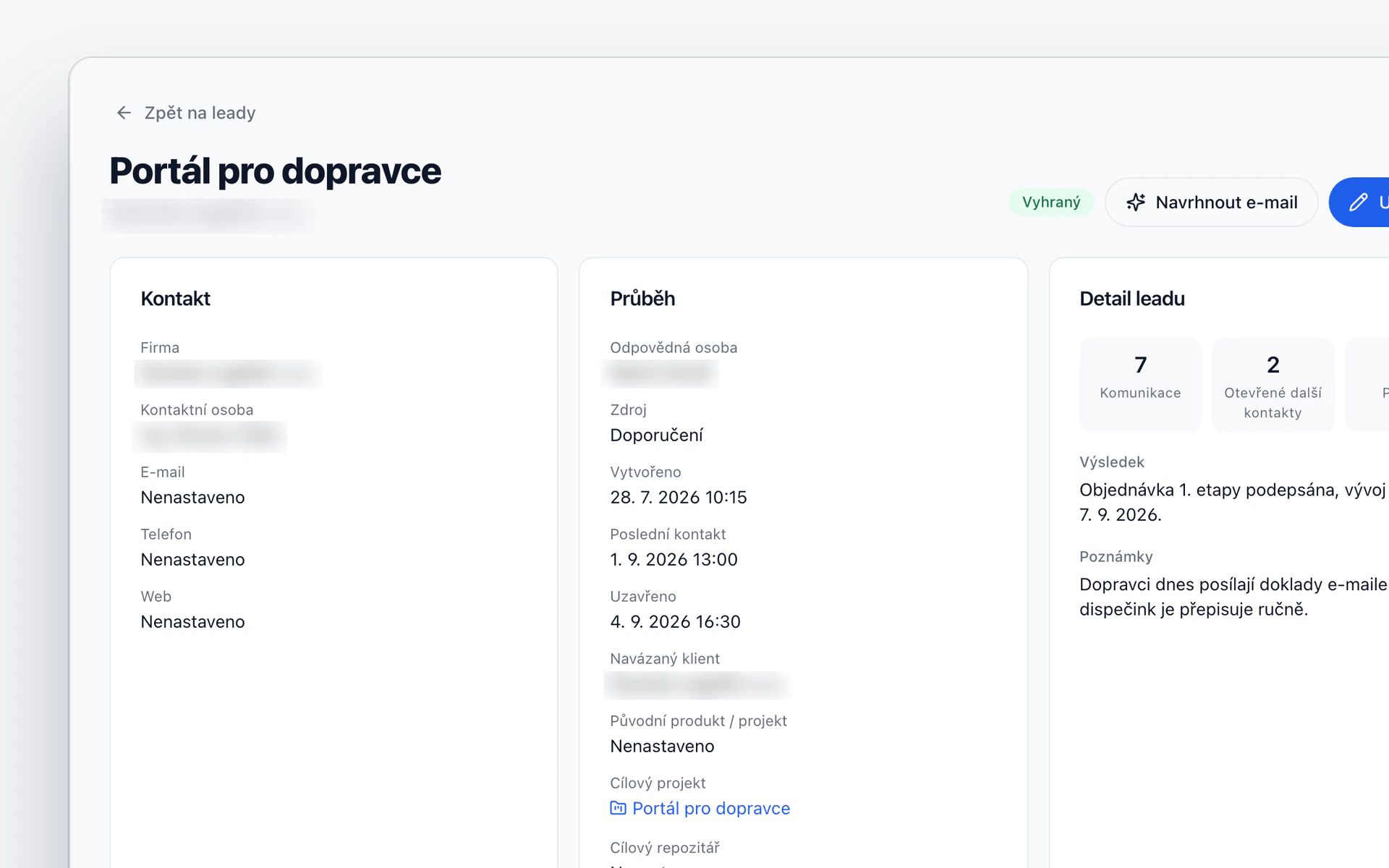
A deal goes through its stages until it is won. The client and the project are created from it.
Invoices and approvals.
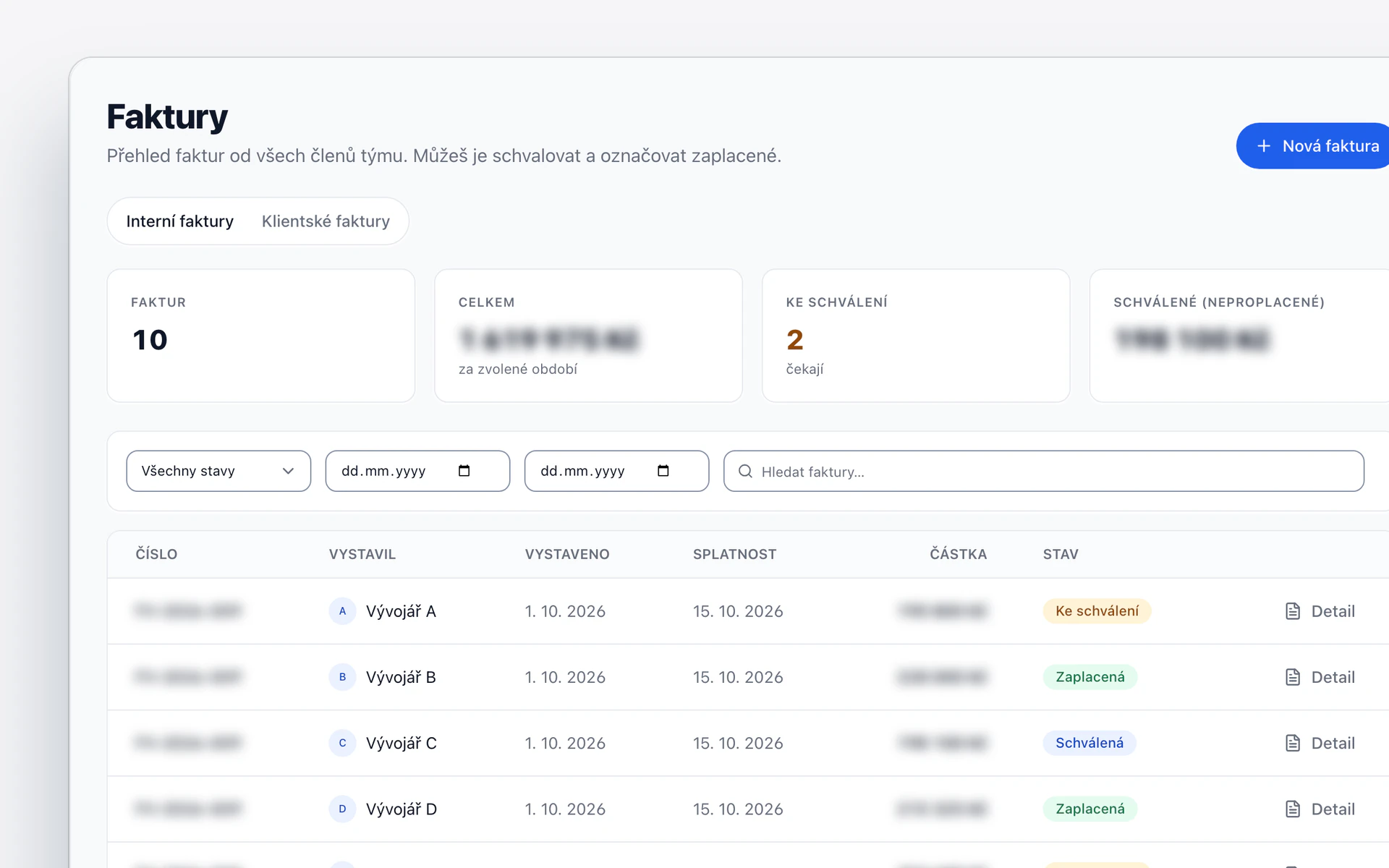
Employee invoices go through approval. For client invoices, the system watches the due dates.


Under the hood.
Two roles.
The owner sees the finances, a developer their own timesheets and projects.
Project profitability.
Invoiced and paid revenue, shown separately.
An assistant for your data.
It sums up the week and points to what is waiting.
Czech and English.
The whole interface in both languages.