Proptech · ERP
Centera
A whole shopping center in one system.
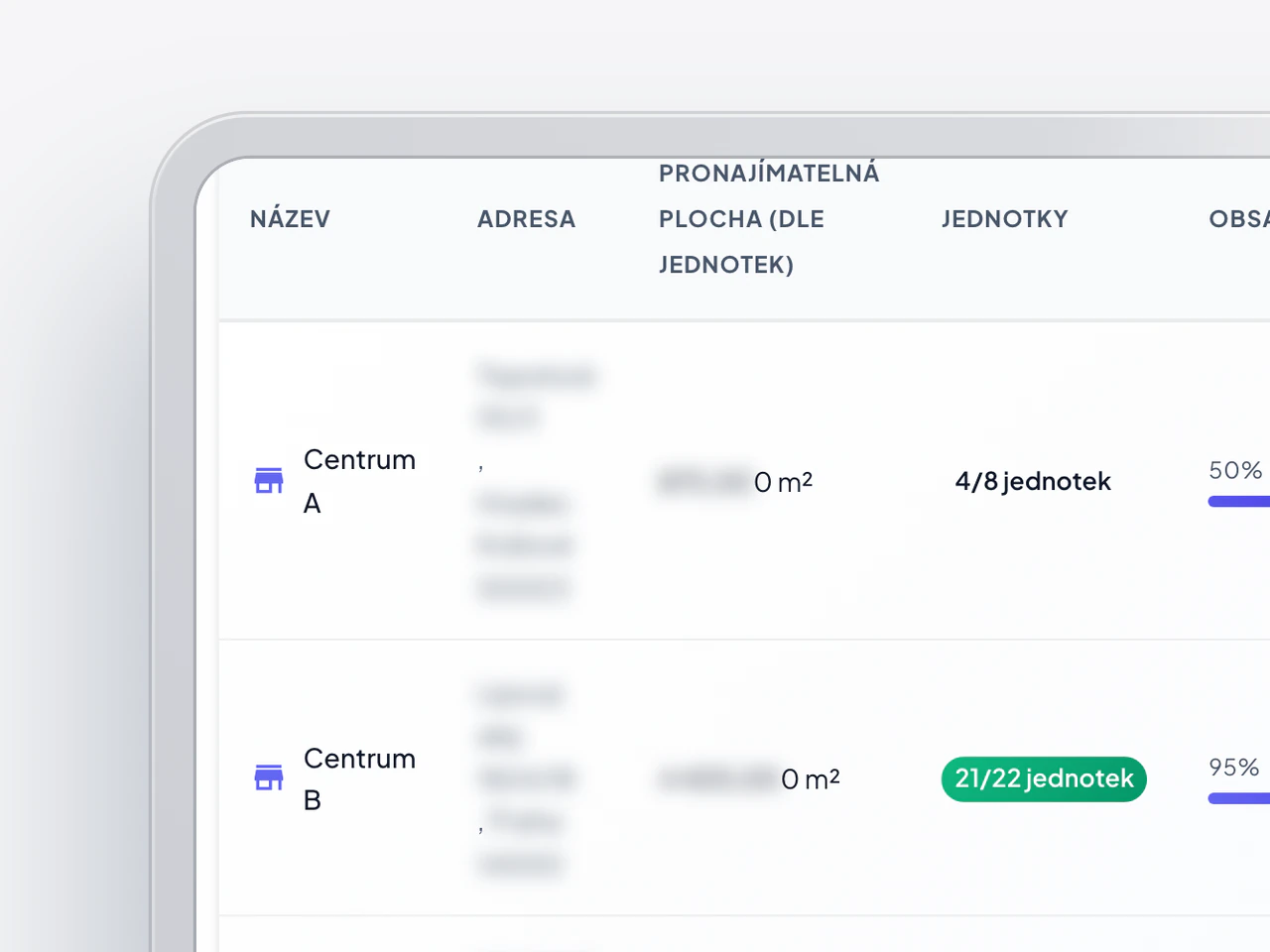
Centera runs the spaces, leases, invoicing, and payments for shopping center managers. It replaced a legacy application and is live in production.
- Industry
- Commercial property management
- Who uses it
- Managers, accountants, technicians, and auditors
- Scope
- Leases, invoicing, payments, energy, and reports
- Status
- Live in production
The center was managed in a legacy application. Centera took over its data and its familiar workflows, and added checks to them.
How it’s used.
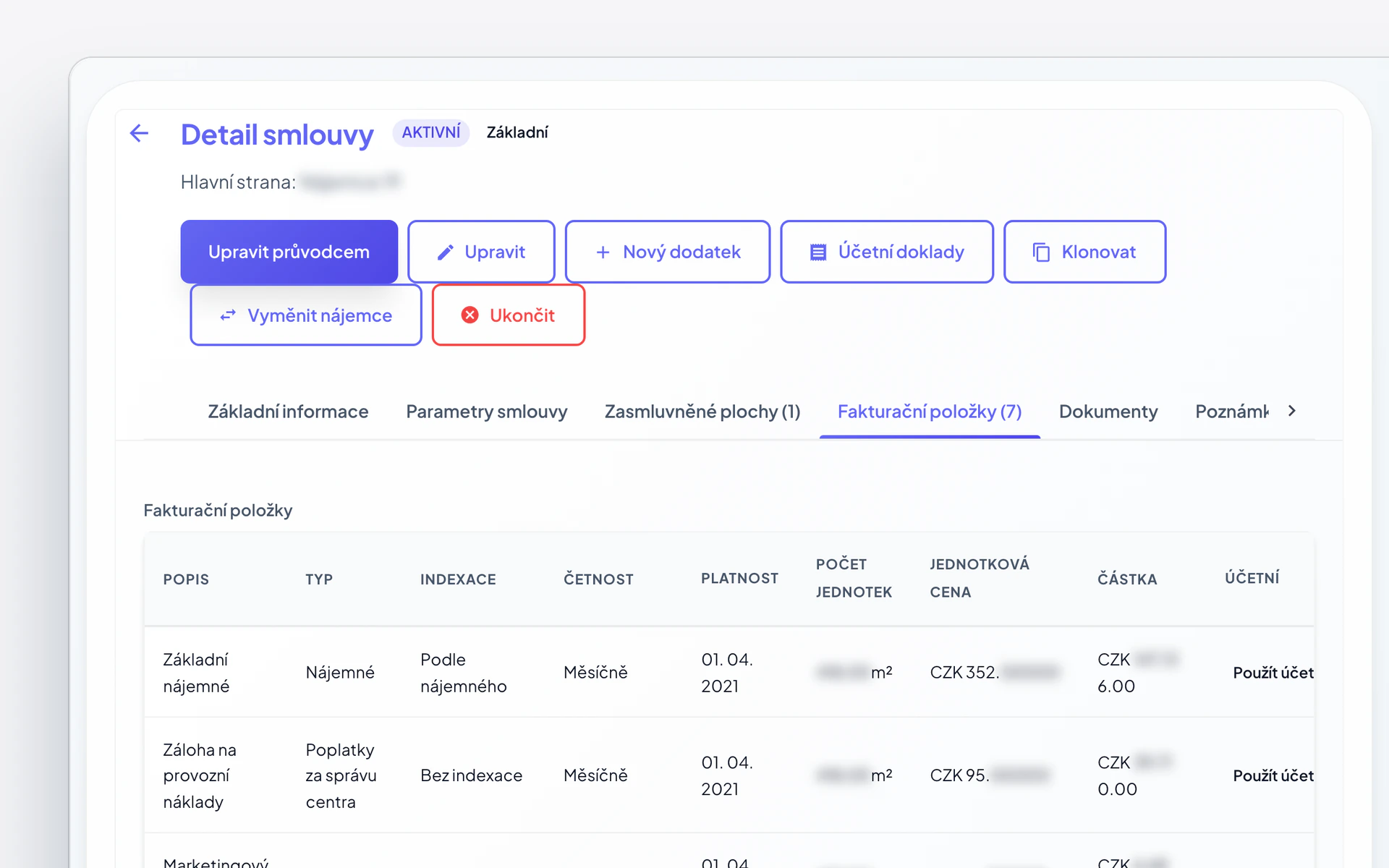
A lease with all its rent.
You set up a lease with a six-step wizard. Rent, advance payments, and indexation are then kept with the lease.
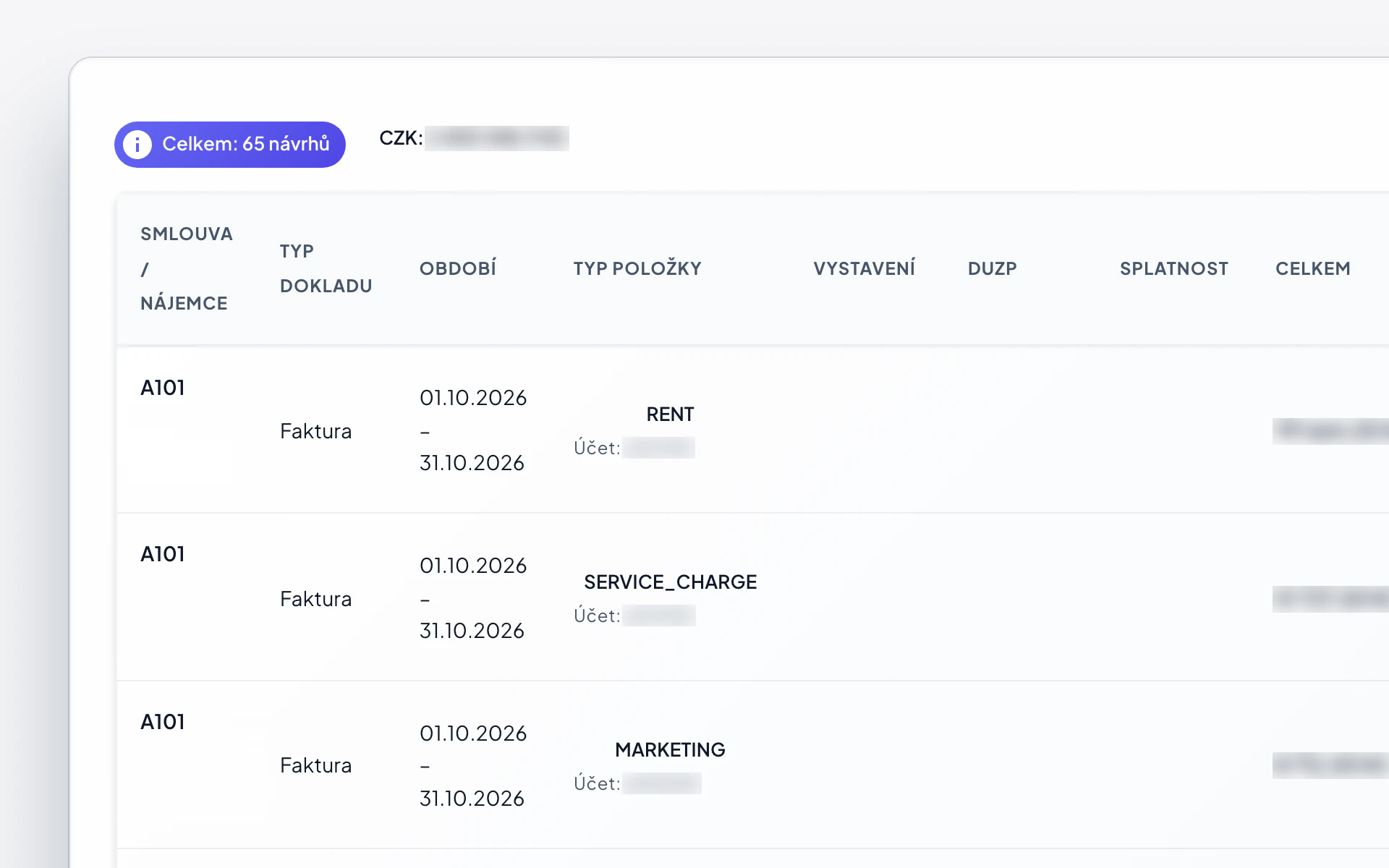
Invoicing for the whole center.
Active leases produce draft documents for the whole period. You check them before they are issued.
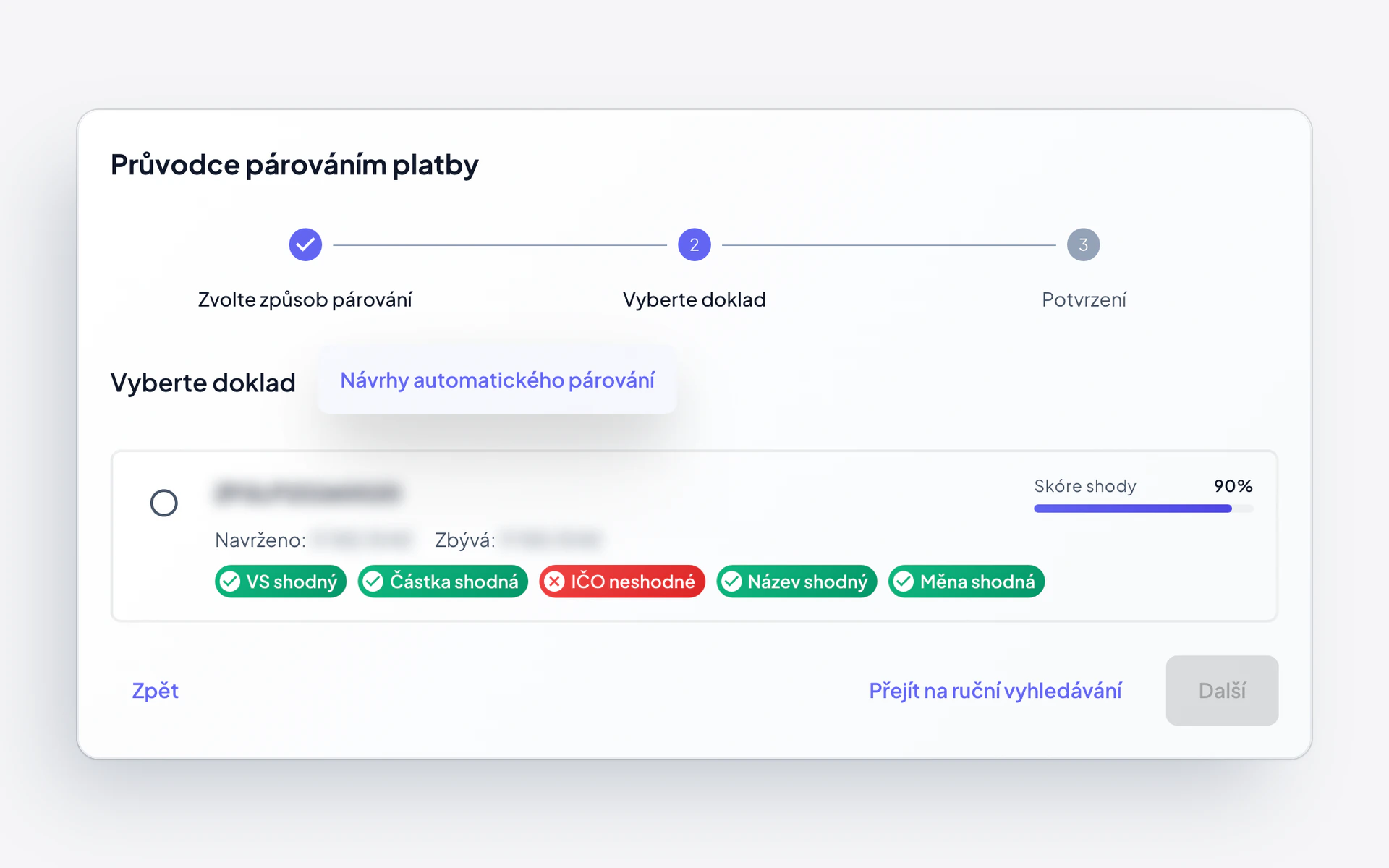
Payments get matched.
The system assigns a payment to a document and shows how confident it is. The accountant decides the unclear cases.
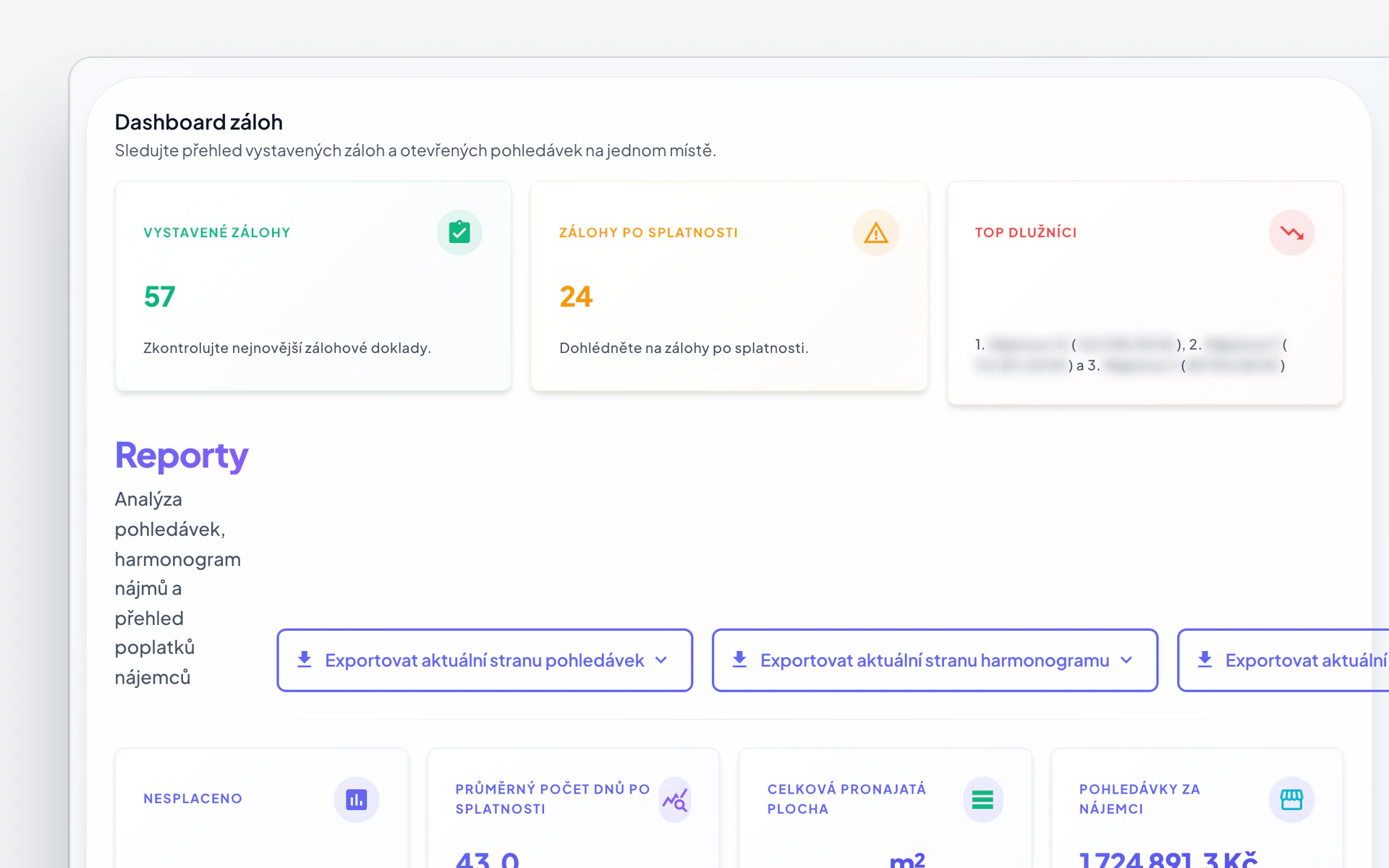
An overview for management.
You see receivables, advance payments, and occupancy in the reports. Export to PDF and Excel is right at hand.


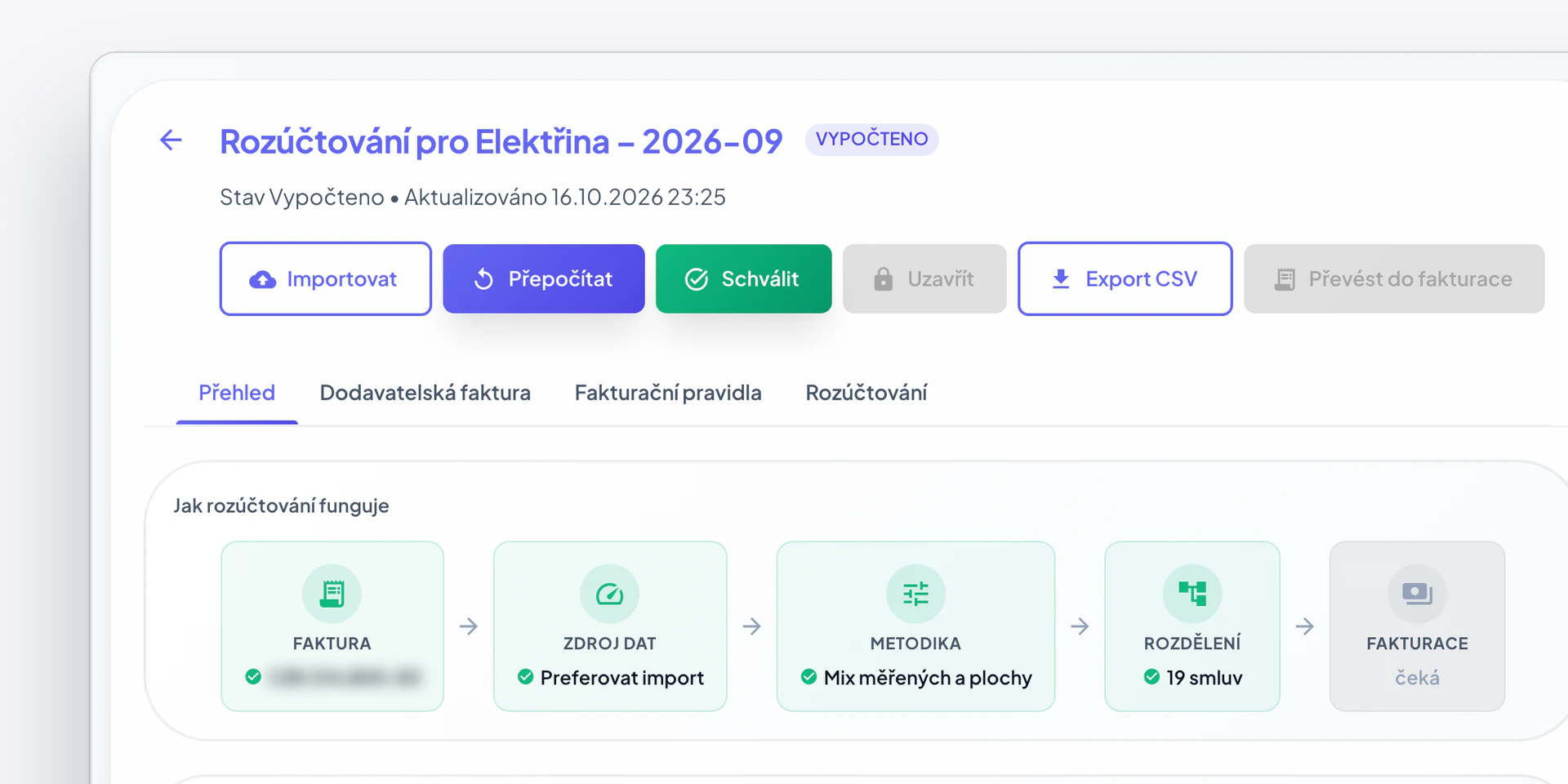
What else Centera does.
Energy costs split among tenants.
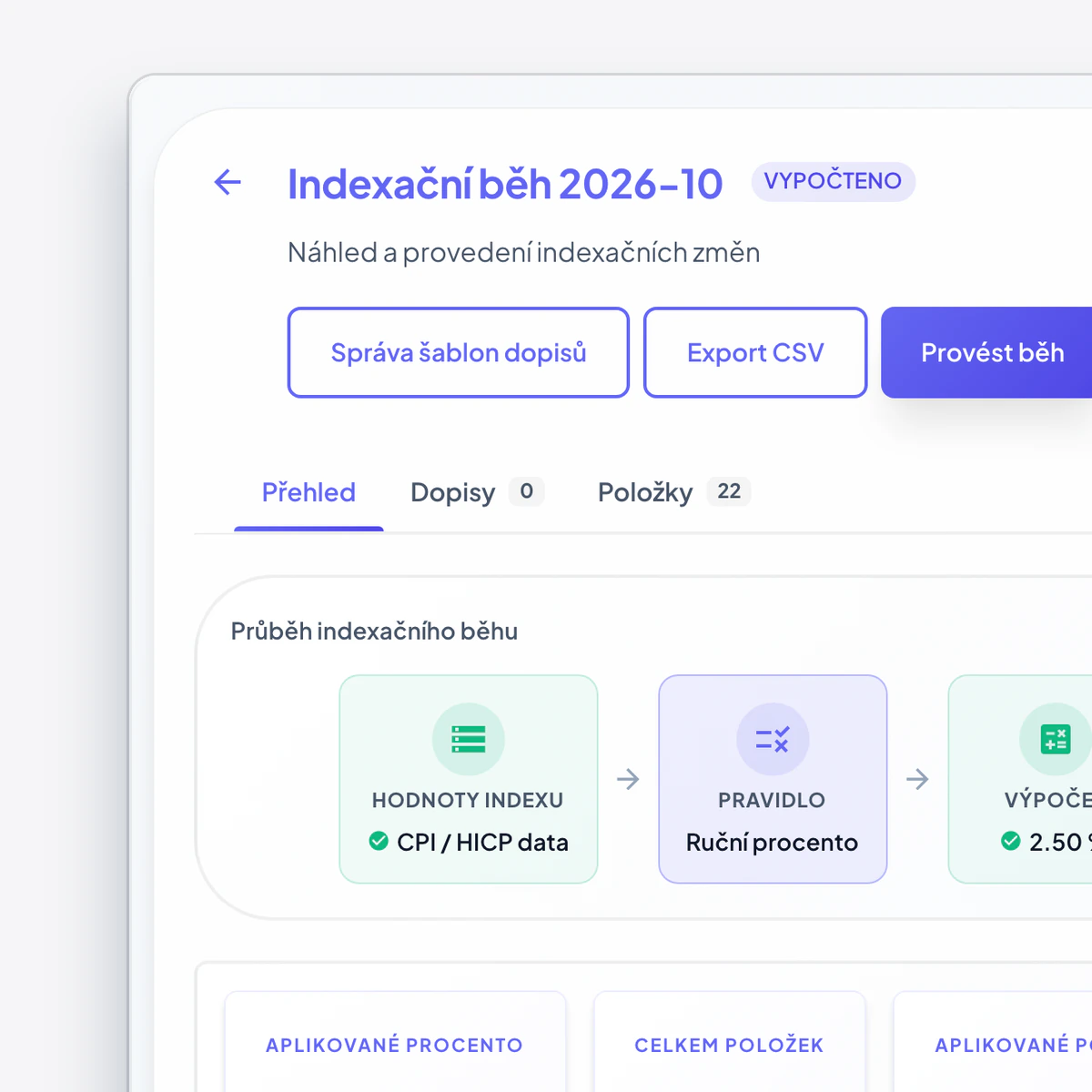
Indexation in one run.
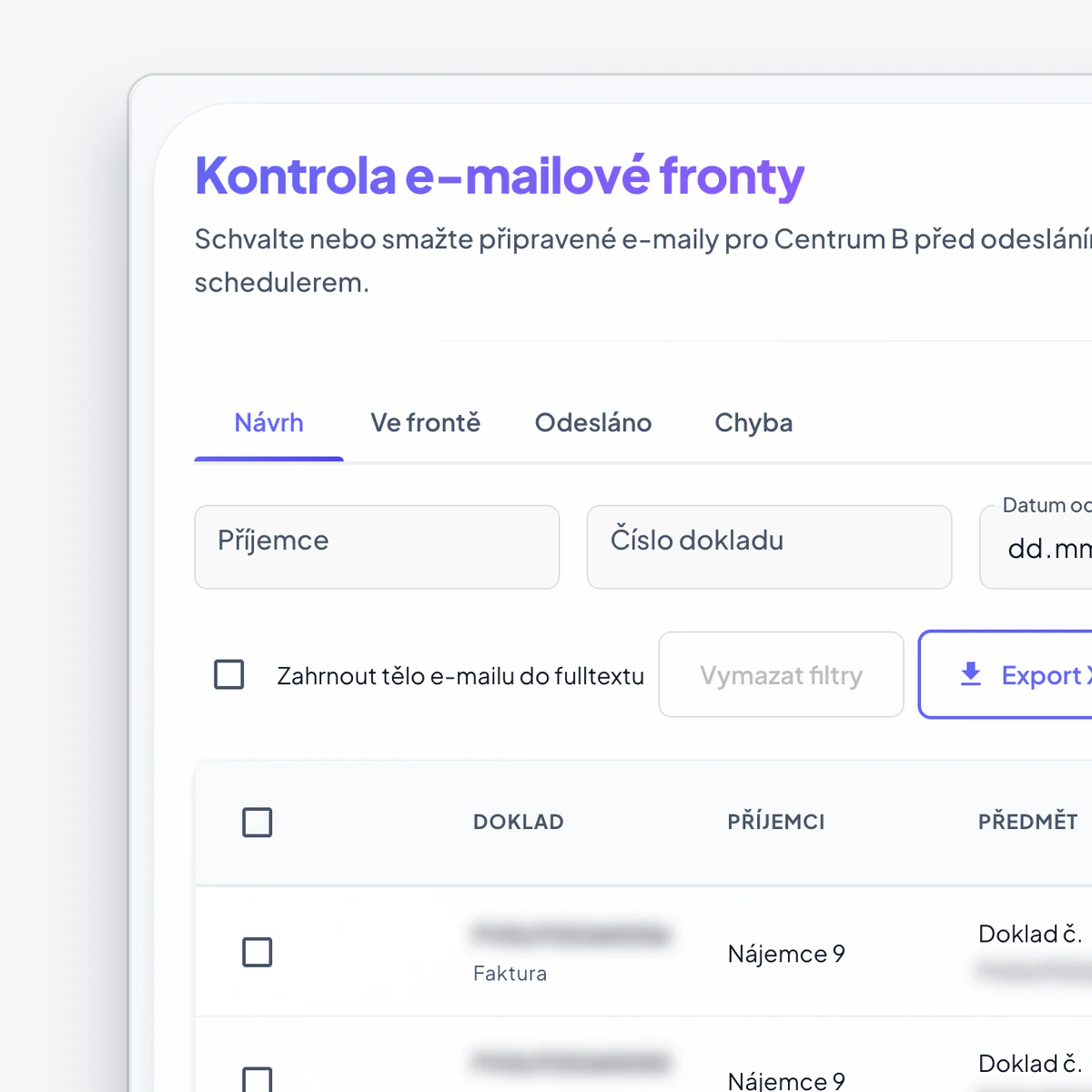
Emails checked before sending.
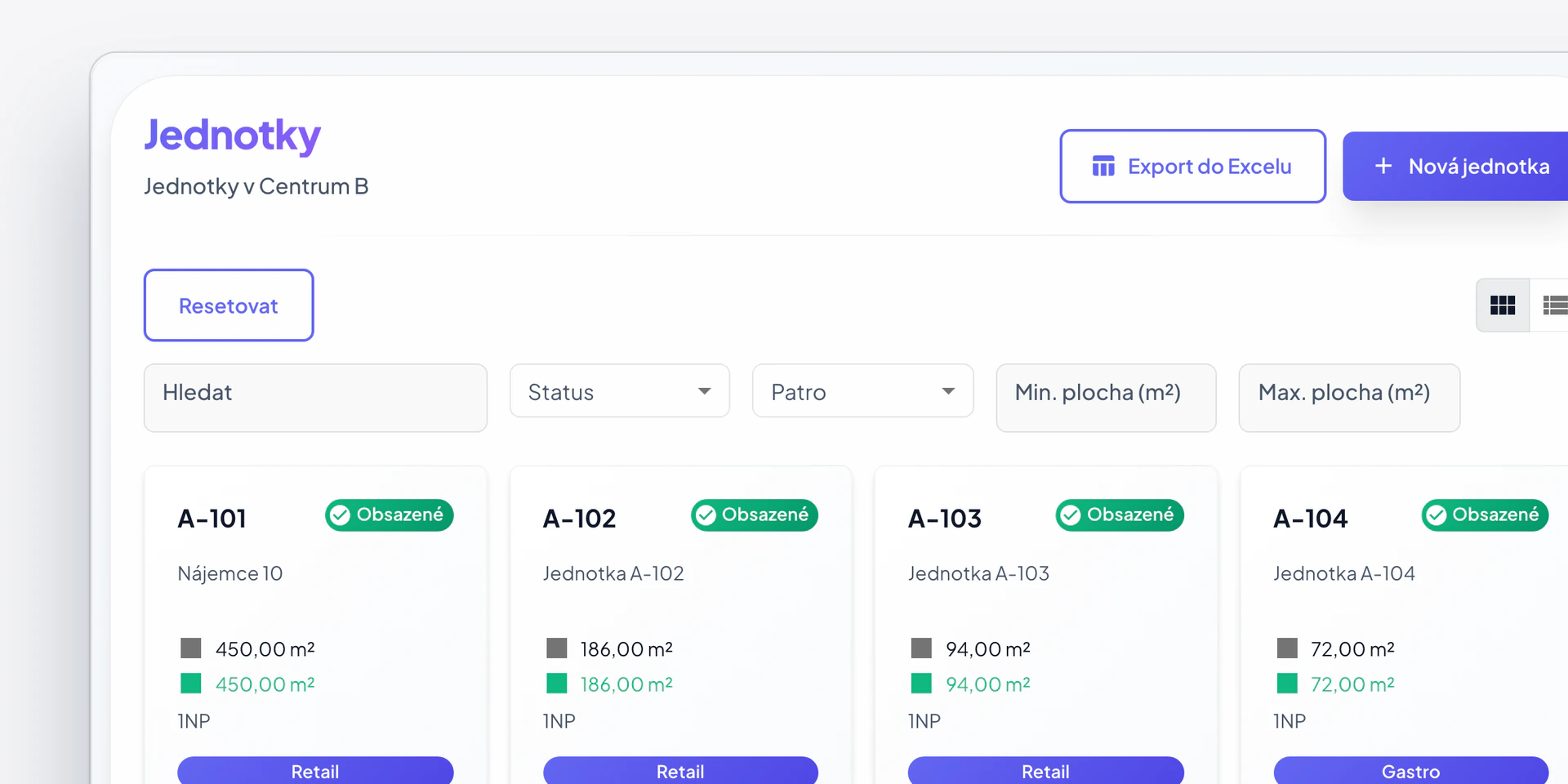
Each unit’s area and status.
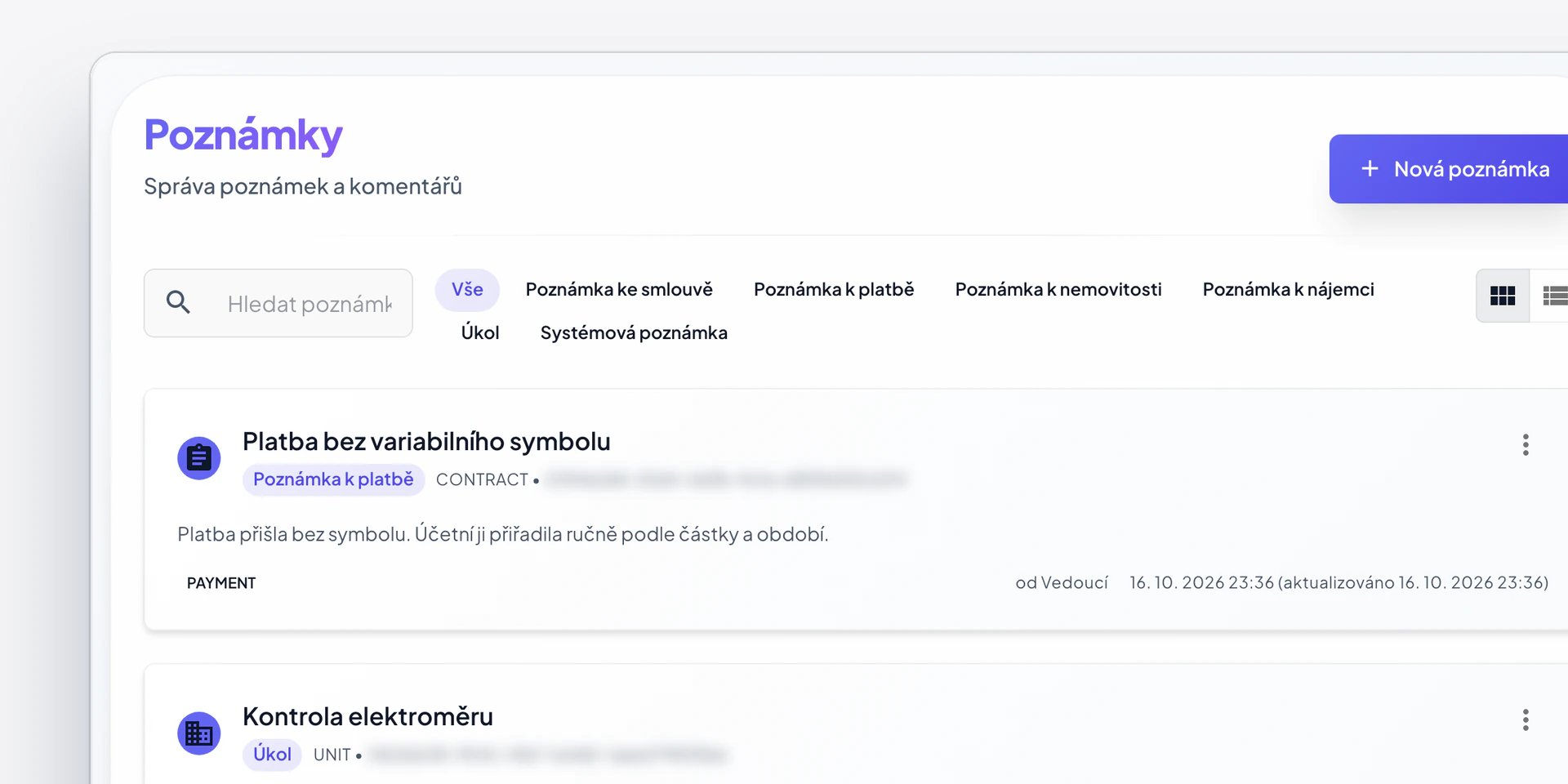
Lease and payment notes.
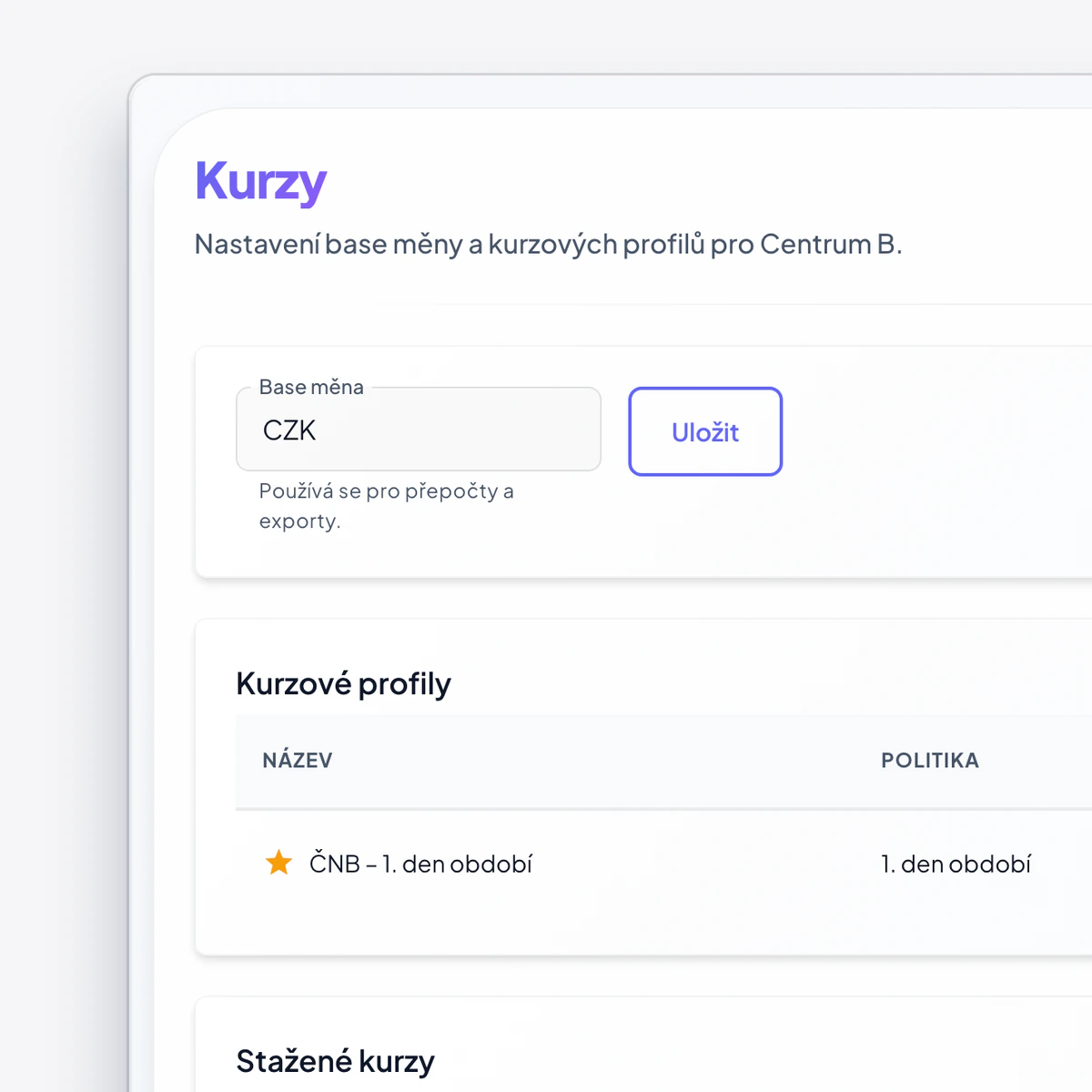
Rates from ČNB.


Under the hood.
Audit trail.
Every step of a document has a name and a time.
Roles by center.
Everyone sees only their own centers.
Export to Pohoda.
Documents go to accounting with no manual retyping.
QR payment on the invoice.
A QR payment code can be added to the PDF invoice.