Support
Cognera Helpdesk
Customer reports, straight to the developer.
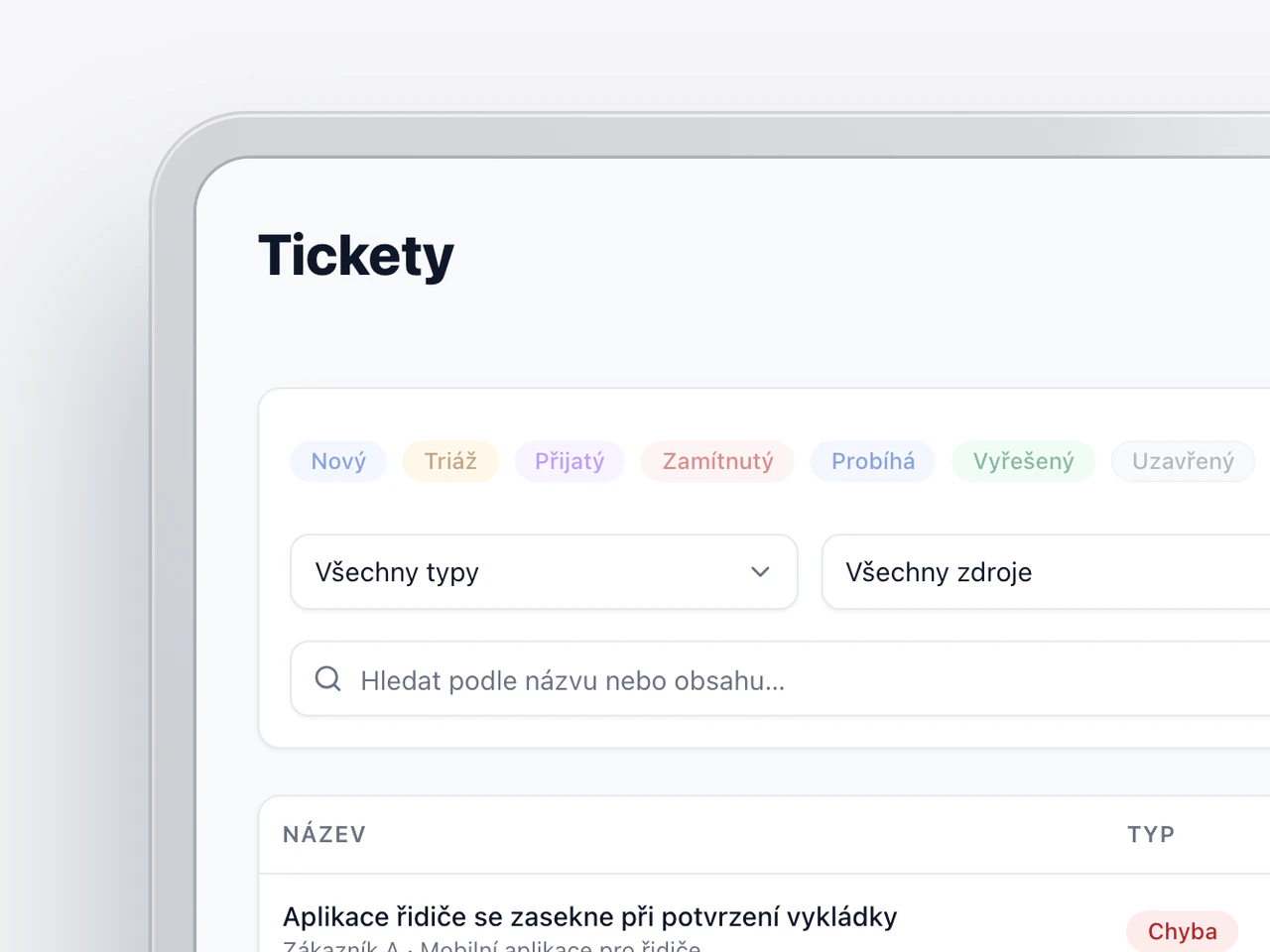
A customer reports a bug or an idea on the portal or right in the app. An accepted request automatically becomes a task for the developers.
- Industry
- Customer support
- Who uses it
- Customers, support, and developers
- Channels
- Portal, in-app widget, and API
- Languages
- Czech and English
Every time a report is retyped by hand, the fix is delayed and details get lost. So Helpdesk takes the report all the way to the developer.
How it’s used.
Passwordless sign-in.
The customer gets a sign-in link by email. On the portal, they then see only their own requests.
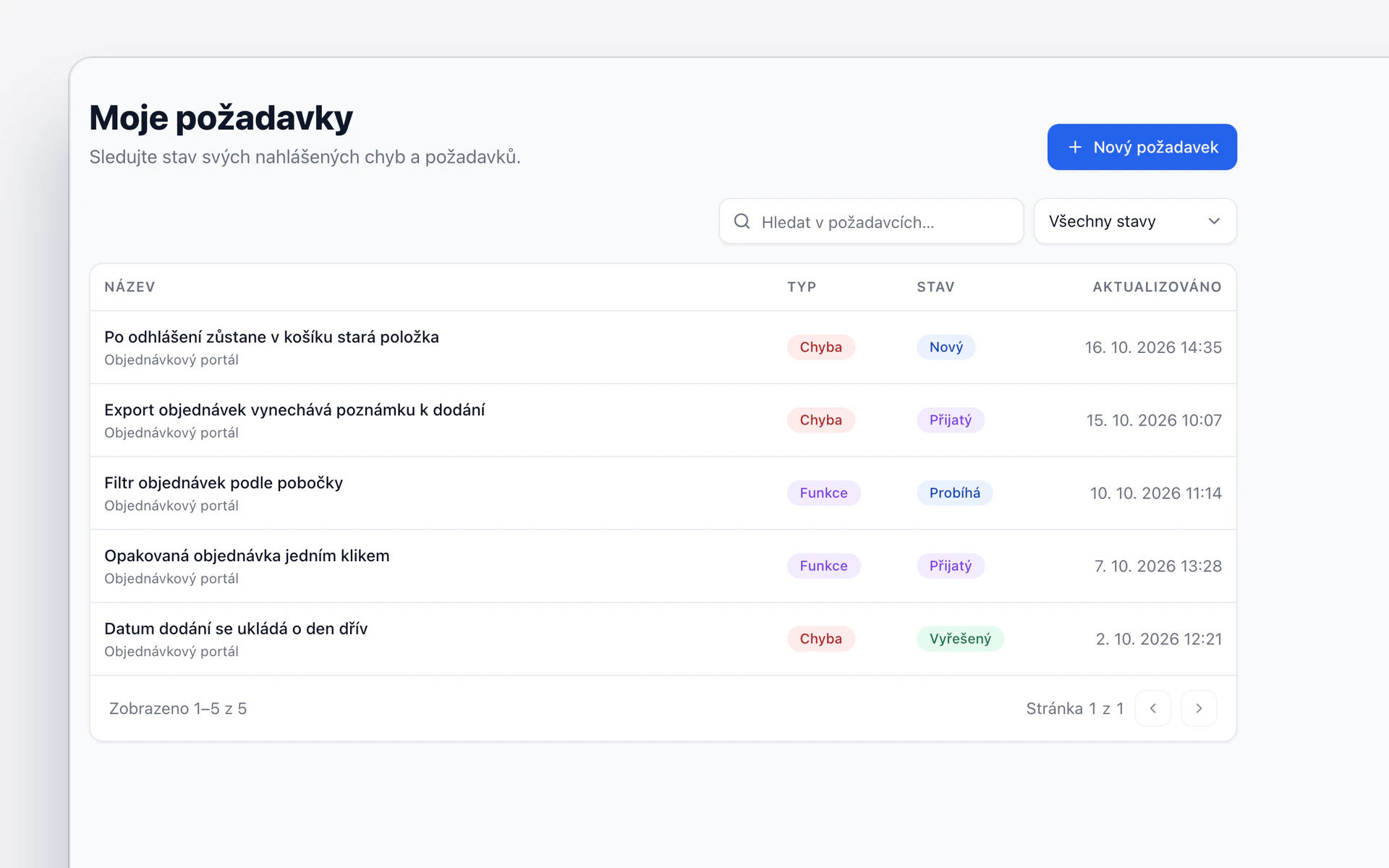
One queue.
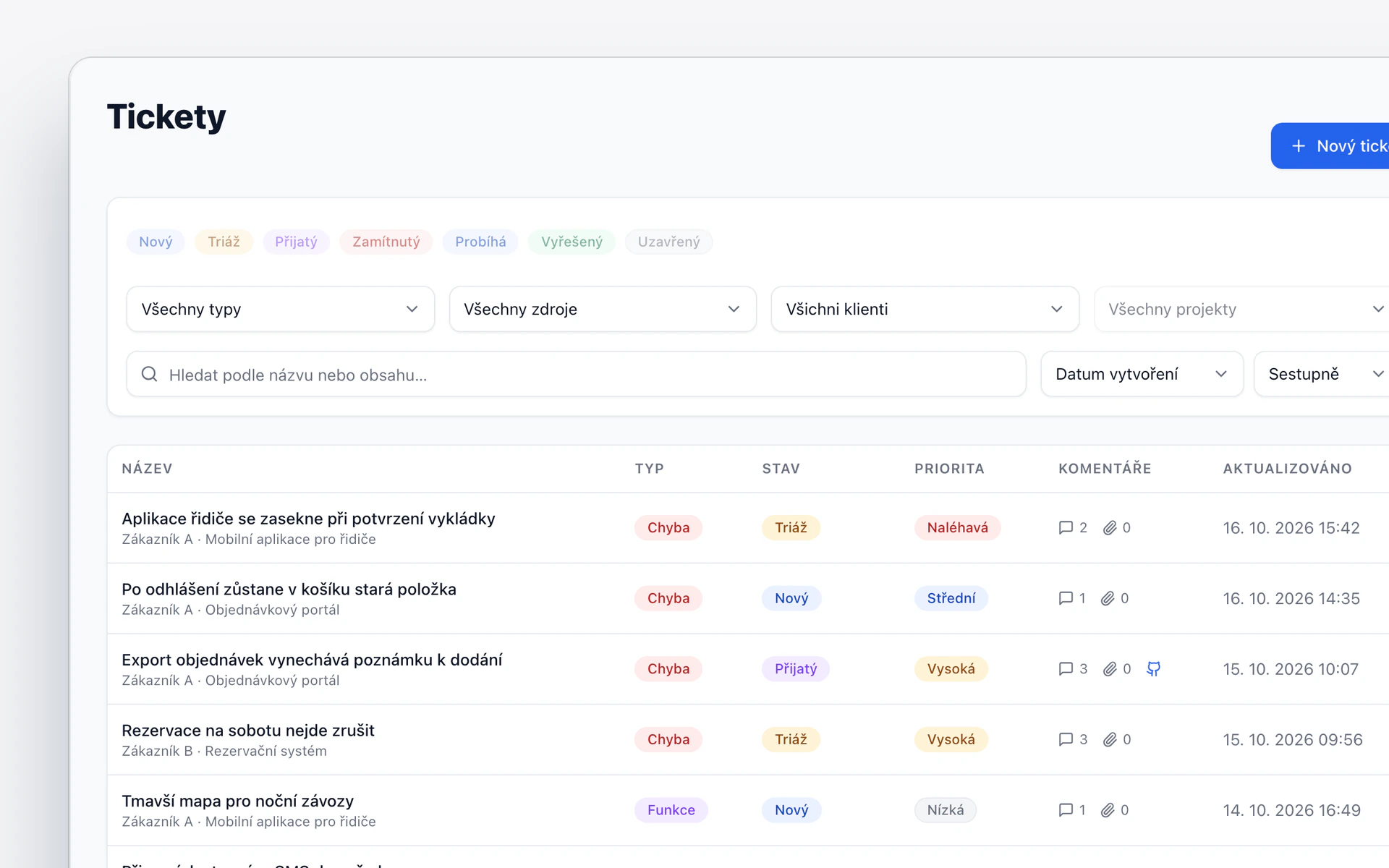
Reports from the portal, the app, and the API end up in one place. Support sorts them by status, type, source, and client.
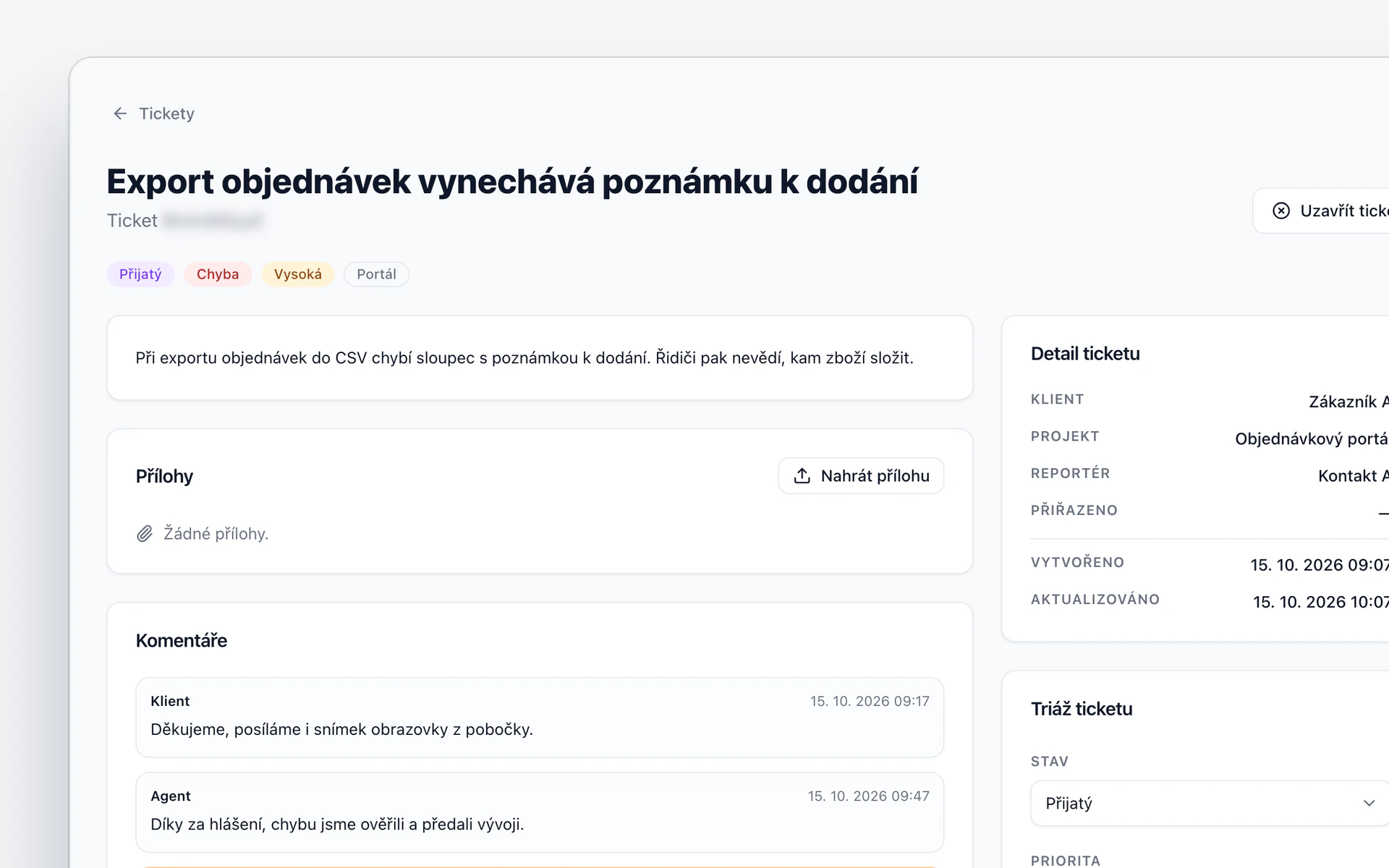
Review and acceptance.
Support sets the type, priority, and project. Development starts only on an accepted request.
The customer sees the status too.
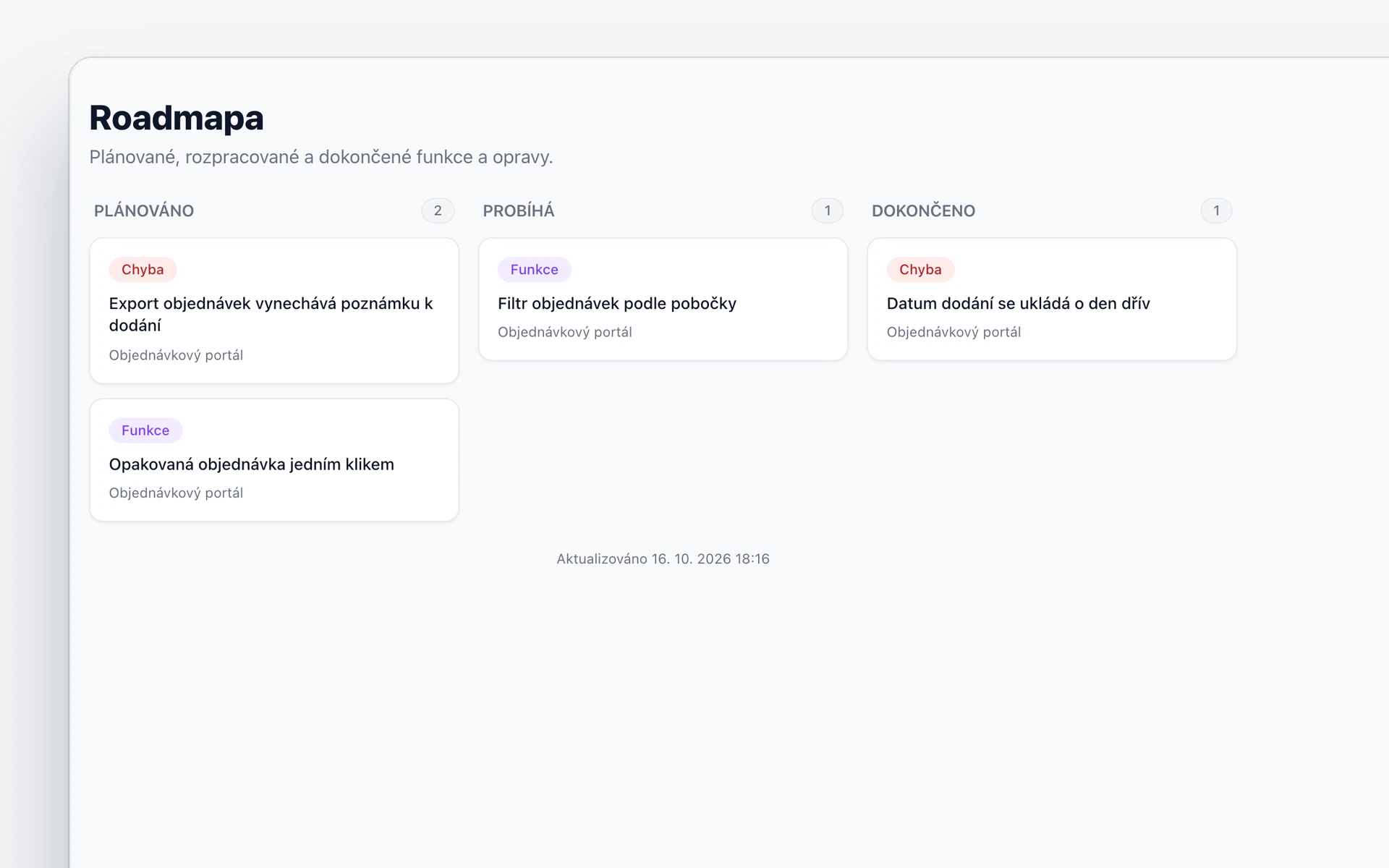
An accepted request is created as a task in the project repository, screenshots included. The customer follows its progress on the roadmap.


Under the hood.
Virus-checked attachments.
Antivirus checks every attachment before anyone opens it.
Separate clients.
Each customer sees only their own data.
Protected API intake.
A key for each customer and a request limit.
A roadmap for customers.
Planned, in progress, and done, in one place.